Create from text
Describe a subject and turn the prompt into an original AI-generated image.
AI wallpaper maker for iPhone
Turn a text prompt into an original image, build more specific prompts step by step, choose the right canvas, and keep favorites in a private on-device gallery.
Built for the task
Create from text
The short answer
A direct definition for readers, search engines, and answer systems.
Imagine is an iPhone and iPad app that creates AI-generated images from text prompts. It includes a guided prompt builder, six canvas formats, idea shortcuts, and a private on-device gallery for saving, searching, copying prompts from, and sharing creations.
AI output can be unexpected, inaccurate, non-unique, or unsuitable for your intended use. Review rights, safety, and factual claims before publishing or distributing an image.
Inside the app
Every feature supports the same workflow, so the app feels like a system rather than a folder of disconnected AI buttons.
Describe a subject and turn the prompt into an original AI-generated image.
Combine subject, style, mood, lighting, quality, camera angle, and optional details before generating.
Choose 9:16 wallpaper, portrait, square, classic, screen, or cinematic proportions.
Save creations on your device, search by prompt, revisit details, copy prompts, and share when you choose.
Review every output before publishing or relying on it; generated images can be unexpected, inaccurate, or unsuitable.
Start from curated ideas or your own description and preview the result in a phone-friendly format.
Product tour
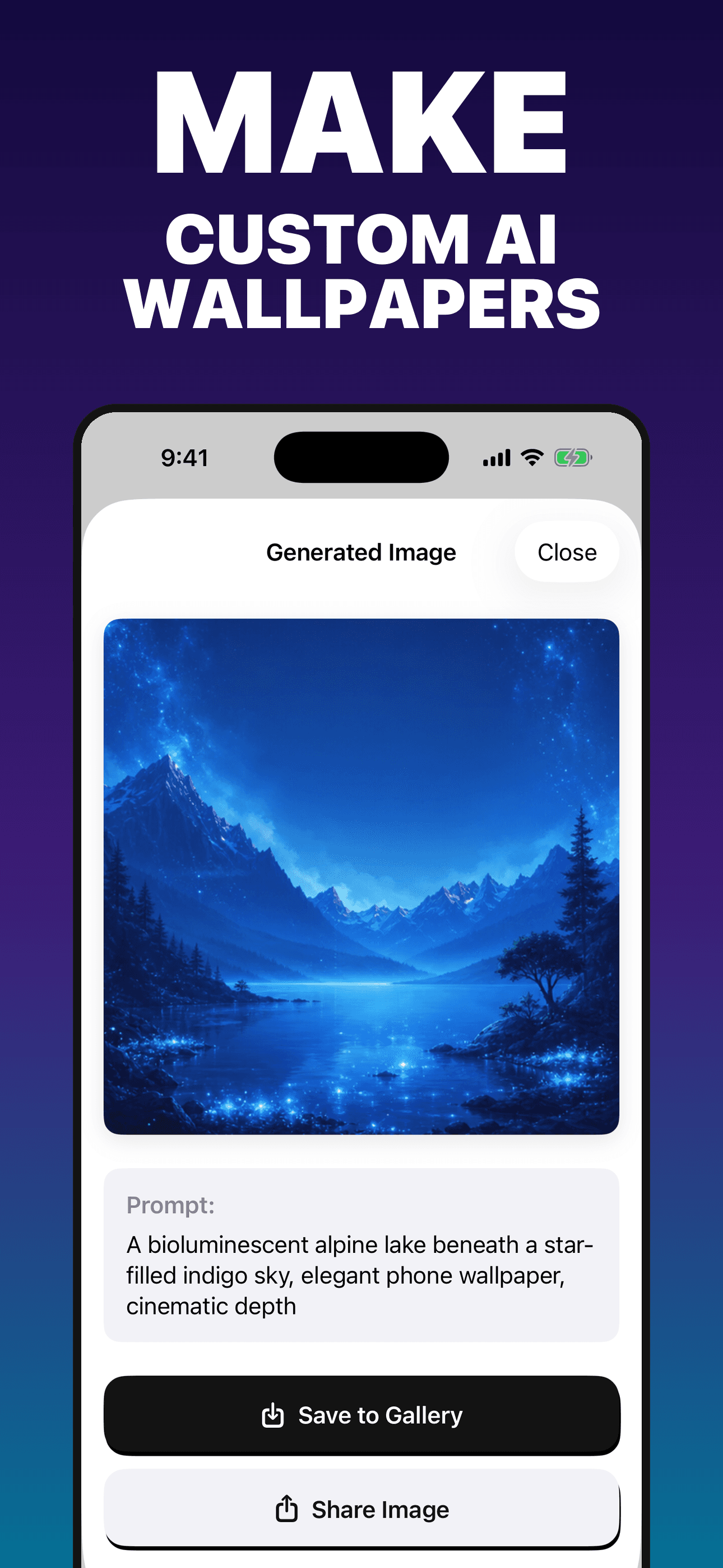
Real screens from the current iPhone experience.


How it works
Write your own prompt or begin with an idea shortcut and make the subject specific.
Refine mood, lighting, camera angle, quality, and the canvas that suits the intended use.
Inspect the generated image, keep it in the local gallery, reuse its prompt, or share it.
Who it helps
Direct answers
Describe the subject, choose the 9:16 wallpaper format, and add style, mood, lighting, quality, or camera-angle details before generating.
New users receive seven generation credits in the current version. Optional weekly and yearly subscriptions unlock unlimited generation while active, subject to service and safety controls.
Creations, prompt history, favorites, and preferences you save are stored in the app’s private container on your device. Ideas All Day does not operate a separate gallery database.
No. Output varies and can be unexpected, incomplete, inaccurate, or unsuitable. Review every image before publishing, selling, sharing, or relying on it.
Available on the App Store
Seven starter creations · optional subscription. Built by Ideas All Day Ltd for iphone and ipad · ios 17.6+.
Download on the App Store