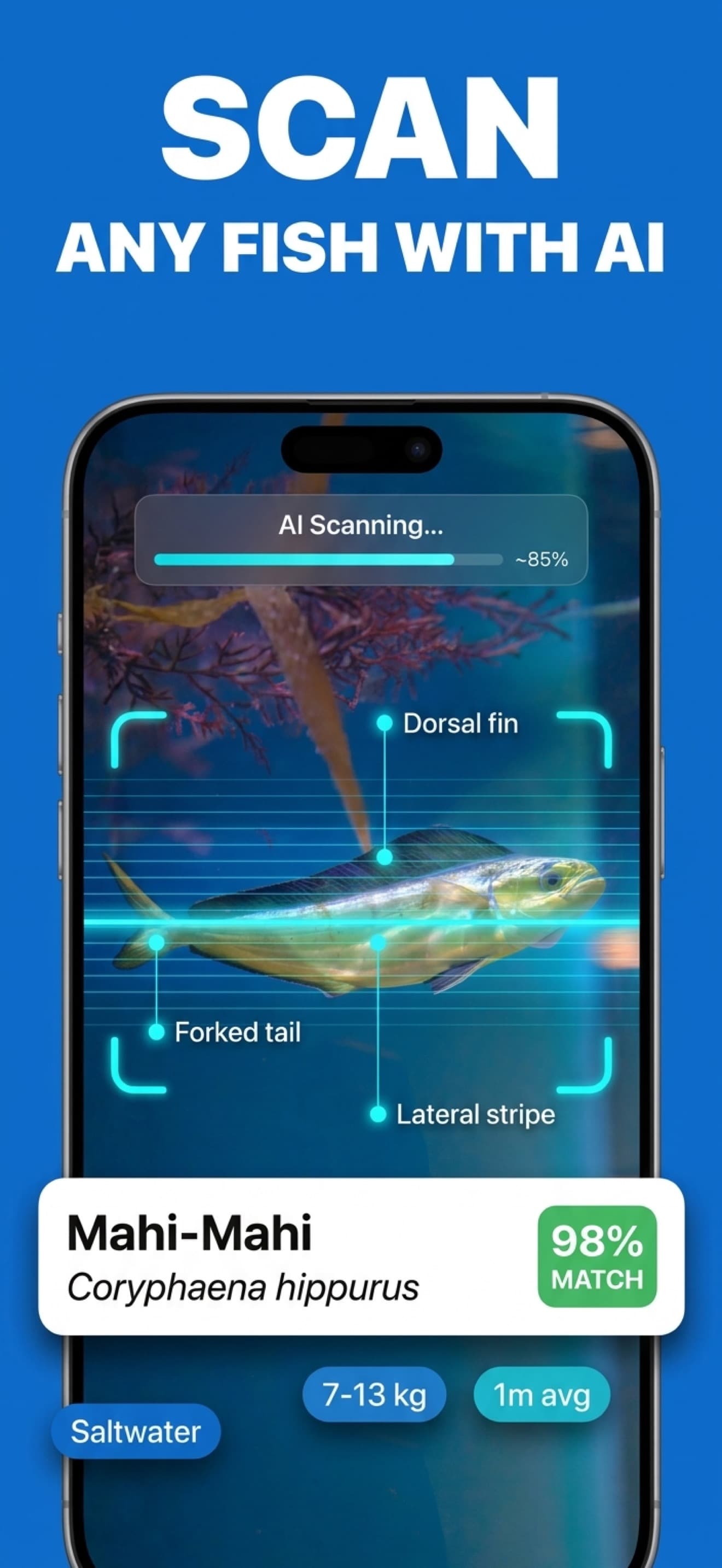
Instant photo scan
Identify freshly caught fish, market displays, and clear underwater photos.
Worldwide fish identification
Identify a fish, explore 30+ species facts, ask follow-up questions, and keep a location-aware journal of every catch.
Built for the task
Instant photo scan
The short answer
A direct definition for readers, search engines, and answer systems.
Fish Identifier is an AI-powered iPhone and iPad app that identifies freshwater, saltwater, and brackish fish from a photo. Each result includes the likely species, distinguishing traits, habitat, diet, conservation information, and more than 30 practical facts.
Inside the app
Every feature supports the same workflow, so the app feels like a system rather than a folder of disconnected AI buttons.
Identify freshly caught fish, market displays, and clear underwater photos.
Review habitat, diet, behavior, lifespan, range, and conservation status.
Ask about tackle, bait, season, handling, cooking, or regional behavior.
Save the photo, species, date, and location for every identification.
Recognize freshwater, saltwater, and brackish species across continents.
Build species collections and unlock milestones as the journal grows.
Product tour
Real screens from the current iPhone experience.


How it works
Capture the full side profile with fins, tail, markings, and body shape visible.
Compare the suggested species with the distinguishing traits in the result.
Add the catch to your journal or ask the AI expert a follow-up question.
Who it helps
Practical guide
Use body shape, fins, mouth, tail, and markings to narrow a species.
Direct answers
Take a clear side photo that shows the body shape, fins, tail, mouth, and markings. Fish Identifier compares those traits and returns the most likely species with distinguishing details.
The app covers freshwater, saltwater, and brackish species from rivers, lakes, reefs, and oceans worldwide.
Yes. Each identification can be saved with its photo, species, date, and location to create a personal catch journal.
Yes. The built-in AI expert can answer questions about bait, tackle, habitat, handling, cooking, and species behavior.
Available on the App Store
Free download. Built by Ideas All Day Ltd for iphone and ipad.
Download on the App Store