Photograph both sides
Use clear obverse and reverse photos to provide the date, mint mark, portrait, legend, edge, and design clues.
Photo-assisted coin identification
Photograph the obverse and reverse for a likely match, then compare date, mint, composition, condition and value context, collecting notes, and related questions.
Built for the task
Photograph both sides
The short answer
A direct definition for readers, search engines, and answer systems.
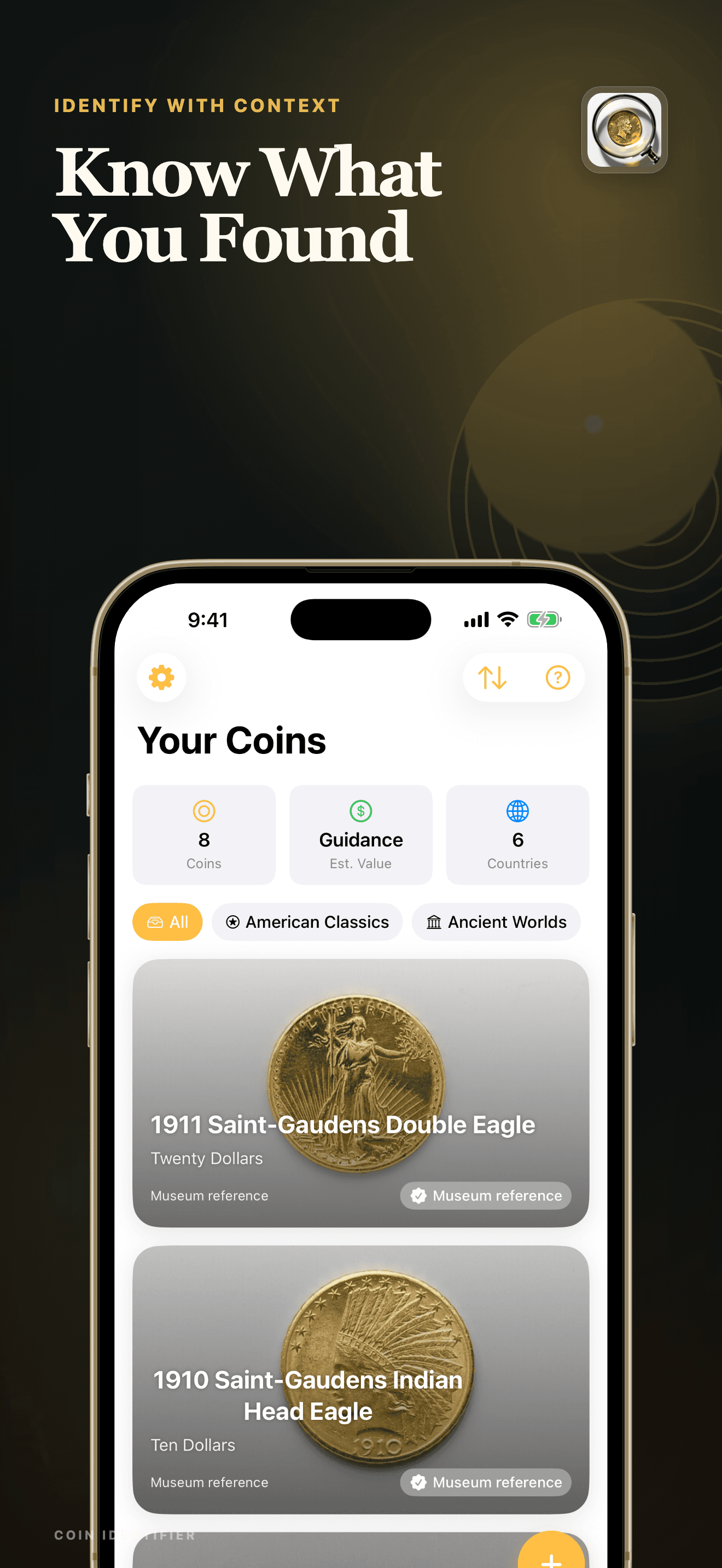
Coin Identifier is an iPhone and iPad app that analyzes photographs of a coin and suggests a likely type, denomination, country, period, date, and mint. It organizes visible details, condition and value context, historical notes, follow-up questions, and saved collection records.
Photo-based identification, condition, authenticity, certification, and value information is educational context—not an official grade, appraisal, authentication, provenance finding, or guaranteed price.
Inside the app
Every feature supports the same workflow, so the app feels like a system rather than a folder of disconnected AI buttons.
Use clear obverse and reverse photos to provide the date, mint mark, portrait, legend, edge, and design clues.
Review the likely denomination, country, period, composition, dimensions, mintage context, and historical notes.
See image-based condition observations and a value range with clear reminders that neither is an official grade or appraisal.
Save likely matches, organize them into collections, and sync through your private iCloud account when available.
Ask about history, preservation, grading factors, or varieties while treating every AI answer as fallible reference material.
The app never presents a photo result as authentication, certification, provenance verification, or a guaranteed sale price.
Product tour
Real screens from the current iPhone experience.


How it works
Use even light and keep the date, mint mark, legends, design, edge, and both sides readable.
Check the visible details against the suggested type, country, denomination, period, and mint.
Keep useful reference notes, then verify important grade, authenticity, provenance, or value questions with a qualified expert.
Who it helps
Practical guide
Use both faces, inscriptions, date, mint mark, edge, and measurements to narrow a likely coin identification before judging grade or value.
Direct answers
It can suggest a likely match from visible clues in clear photographs of both sides. Wear, damage, lighting, similar varieties, and missing mint marks can cause mistakes, so important details should be checked independently.
No. A photo cannot establish authenticity, provenance, metal content, alteration, or an official numeric grade. Use a qualified numismatist or recognized grading service for important coins.
No. It is educational context based on the suggested identification and visible condition. Exact variety, grade, authenticity, provenance, current demand, and an in-person examination can materially change value.
Saved photos, likely matches, collection groups, and chat history are stored in the app and may sync through your private Apple iCloud account when available.
Available on the App Store
Free download · optional Pro. Built by Ideas All Day Ltd for iphone and ipad · ios 17.6+.
Download on the App Store