01
Whole silhouette and proportions
Keep the head, torso, limbs, feet, and tail visible when possible. Compare posture, relative lengths, body mass, and how the animal carries itself rather than relying on color alone.
Practical guide
A clear wildlife photo can help you form a possible species match by comparing the whole body, face or beak, ears or horns, limbs, feet, tail, markings, scale, location, habitat, season, and behavior. Similar species, life stages, sexes, and seasonal coats can overlap, so a picture is a starting point—not proof of exact identity, health, danger, or intent.
iPhone · Suggested match, species context, and private discoveries
What to look for
A close-up of one attractive feature can hide the proportions that distinguish look-alikes. Keep the animal’s whole form and its real-world setting in the evidence.
Keep the head, torso, limbs, feet, and tail visible when possible. Compare posture, relative lengths, body mass, and how the animal carries itself rather than relying on color alone.
Record naturally visible diagnostic structures from a safe position: muzzle or beak shape, eye placement, ear form, horns or antlers, paws, hooves, claws, and tail shape.
Look for bands, spots, patches, feather or skin patterns, coat texture, and seasonal or juvenile differences. Estimate size against a fixed nearby object without placing anything beside the animal.
Add the broad region, date, habitat, elevation if useful, time of day, number of animals, movement, calls, feeding, and other observed behavior. Protect private addresses and sensitive nest, den, or species locations.
Step by step
Use binoculars or optical zoom. Never approach, corner, lure, feed, call, chase, touch, or move wildlife for a better picture. If the animal notices or changes behavior because of you, give it more room.
From the same safe position, take a sharp whole-body photo before closer details. Use natural light, avoid filters, and preserve enough surroundings to show scale and habitat.
Note the date, broad location, habitat, weather, time, estimated size, number observed, and behavior. Keep nest, den, roost, rare-species, and private-property coordinates appropriately obscured.
Compare body proportions, diagnostic structures, markings, range, habitat, life stage, sex, season, and behavior. A family or genus-level match is more honest when the photo cannot support an exact species.
Use a field guide, local naturalist, park ranger, wildlife authority, veterinarian, public-health professional, or other qualified expert when the answer affects handling, rescue, disease exposure, law, conservation, or safety.
Inside the app
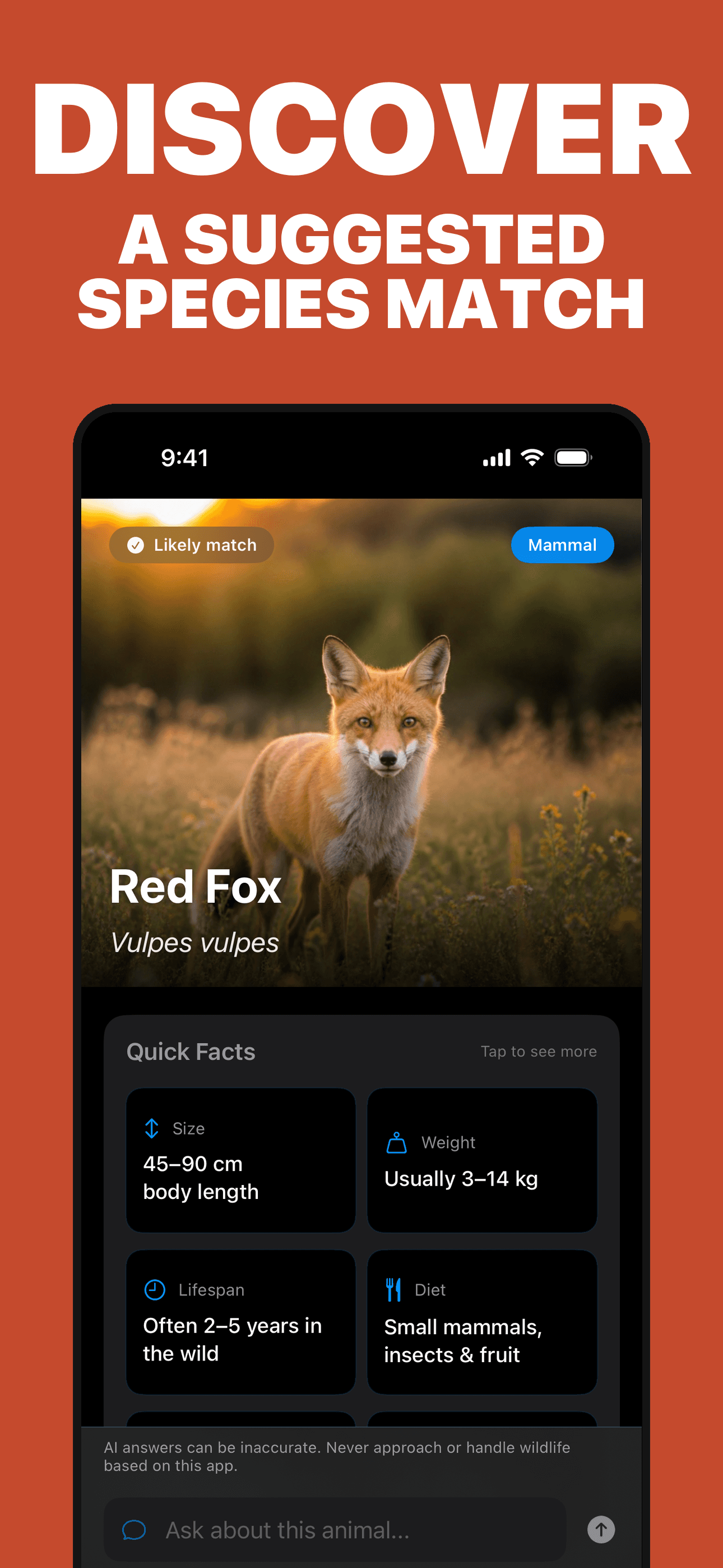
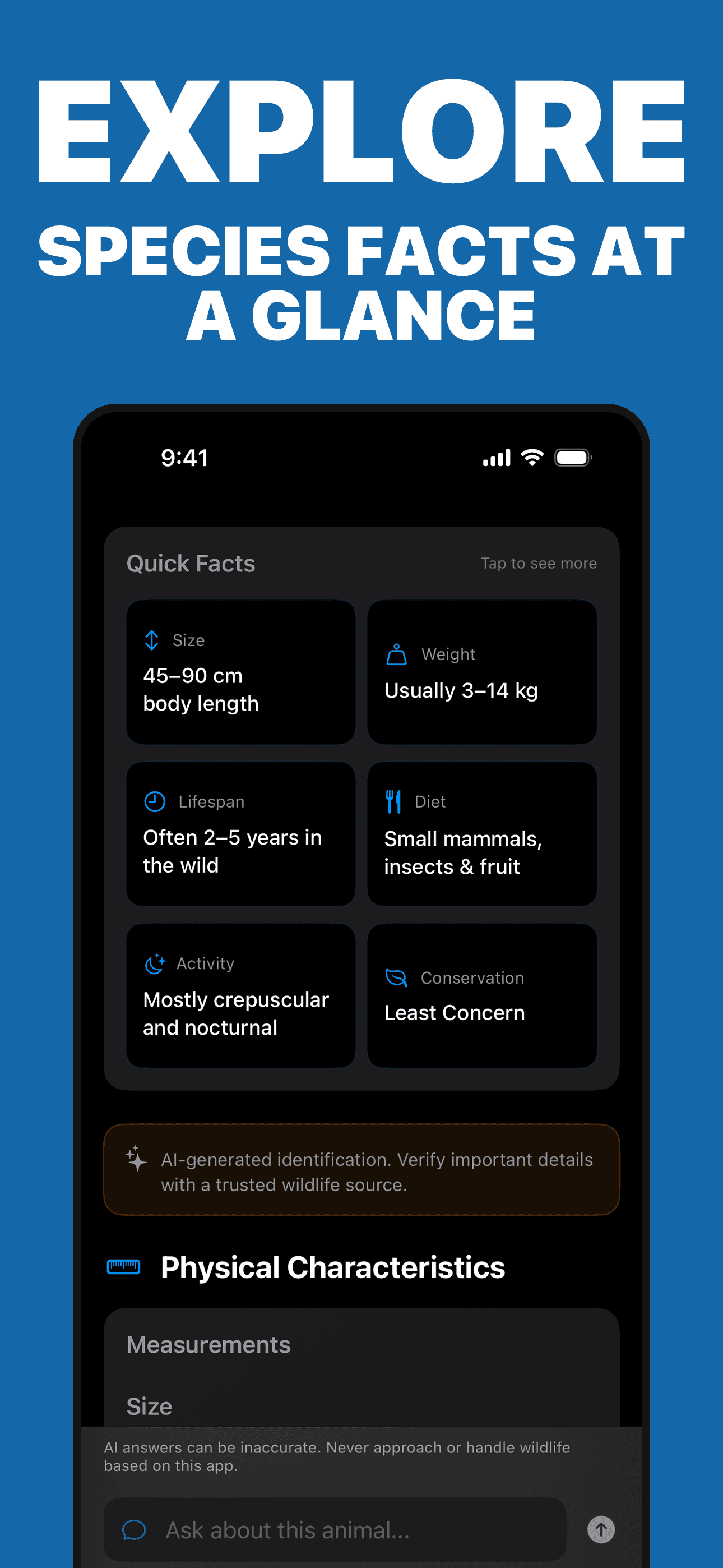
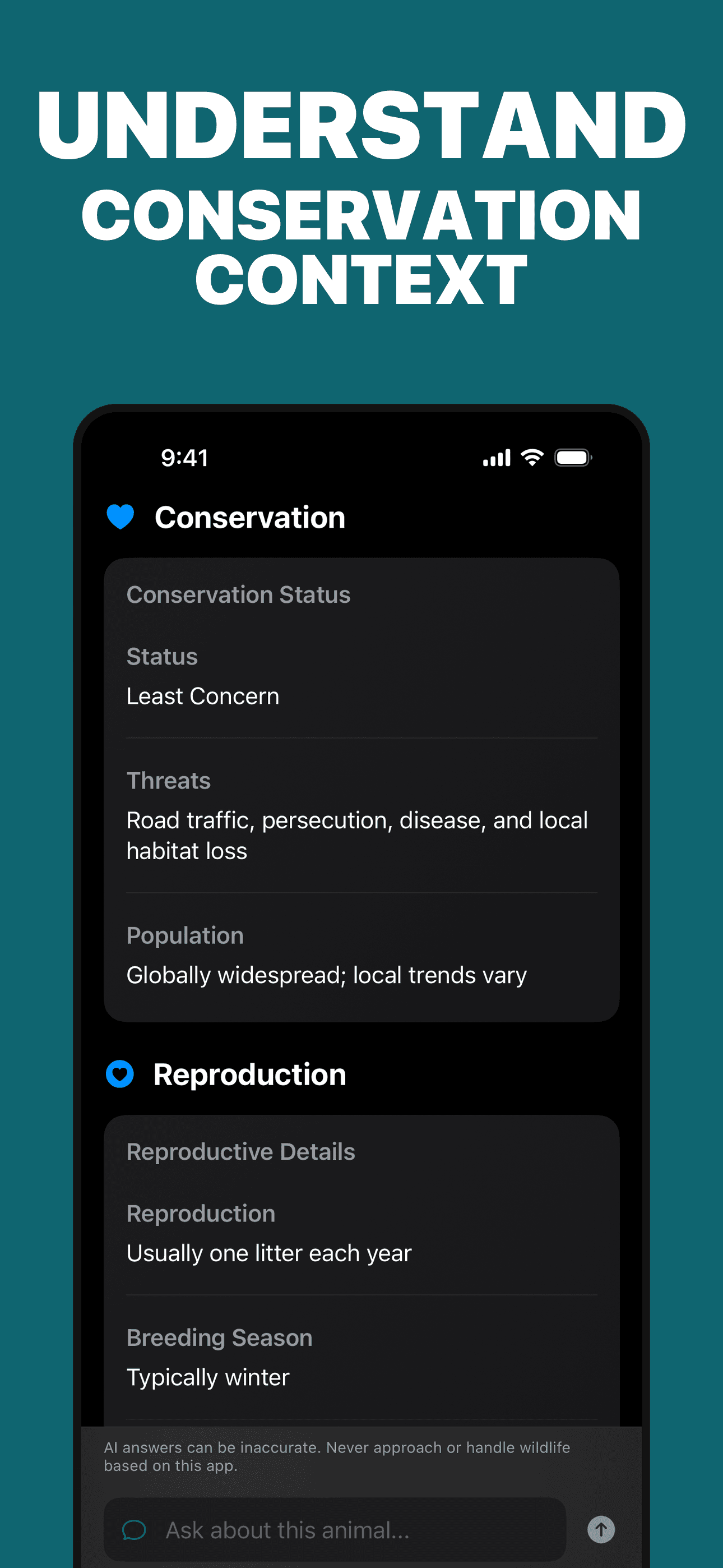
These are actual Animal Identifier screens. The app organizes a suggested visual match and educational species context; it cannot verify identity, predict an animal’s behavior, determine whether contact is safe, or replace wildlife, veterinary, conservation, or public-health expertise.
Try the app
Animal Identifier analyzes a selected photo for a possible species match, then organizes visible traits, classification, habitat, behavior, conservation context, follow-up questions, and a private discovery collection. Keep your distance and verify consequential decisions with the appropriate local expert.
Primary references
These references support the observation, safety, and verification boundaries in this guide. They do not endorse Animal Identifier; wildlife rules, emergency routes, and reporting duties vary by place.
Direct answers
Use a sharp whole-body photo plus safe detail views, then compare silhouette, face or beak, ears or horns, limbs, feet, tail, markings, estimated size, range, habitat, date, season, life stage, and observed behavior. Treat the proposed name as a candidate and check plausible look-alikes.
Show the whole animal in focus, use natural light, preserve diagnostic structures and markings, and include non-invasive scale and habitat context. Take every image from a safe, lawful distance without feeding, luring, calling, chasing, handling, or disturbing the animal.
Not always. Closely related species, hybrids, juveniles, sexes, seasonal coats, partial views, and regional variation can overlap. A cautious family, genus, or shortlist may be more defensible than an exact species name.
The app is designed around visible-animal photos. Tracks, scat, nests, feathers, hair, and other signs often require measurements, multiple views, site context, and a specialist reference, so do not treat an animal-photo result as identification of those traces.
No. A photo cannot predict an individual animal’s behavior or prove that approaching, feeding, touching, rescuing, or handling it is safe. Keep a respectful distance, follow local rules, and contact local wildlife professionals for a concerning situation.
Do not use an app result to judge rabies or other infection risk. Wash the wound promptly and contact appropriate medical or public-health care after wildlife contact; use emergency services for a severe injury or immediate danger.
No. Conservation assessments and local legal protections can change and may differ across regions or populations. Verify current status, range, reporting duties, and site-specific rules with the relevant authoritative source.