Start with one clear photo
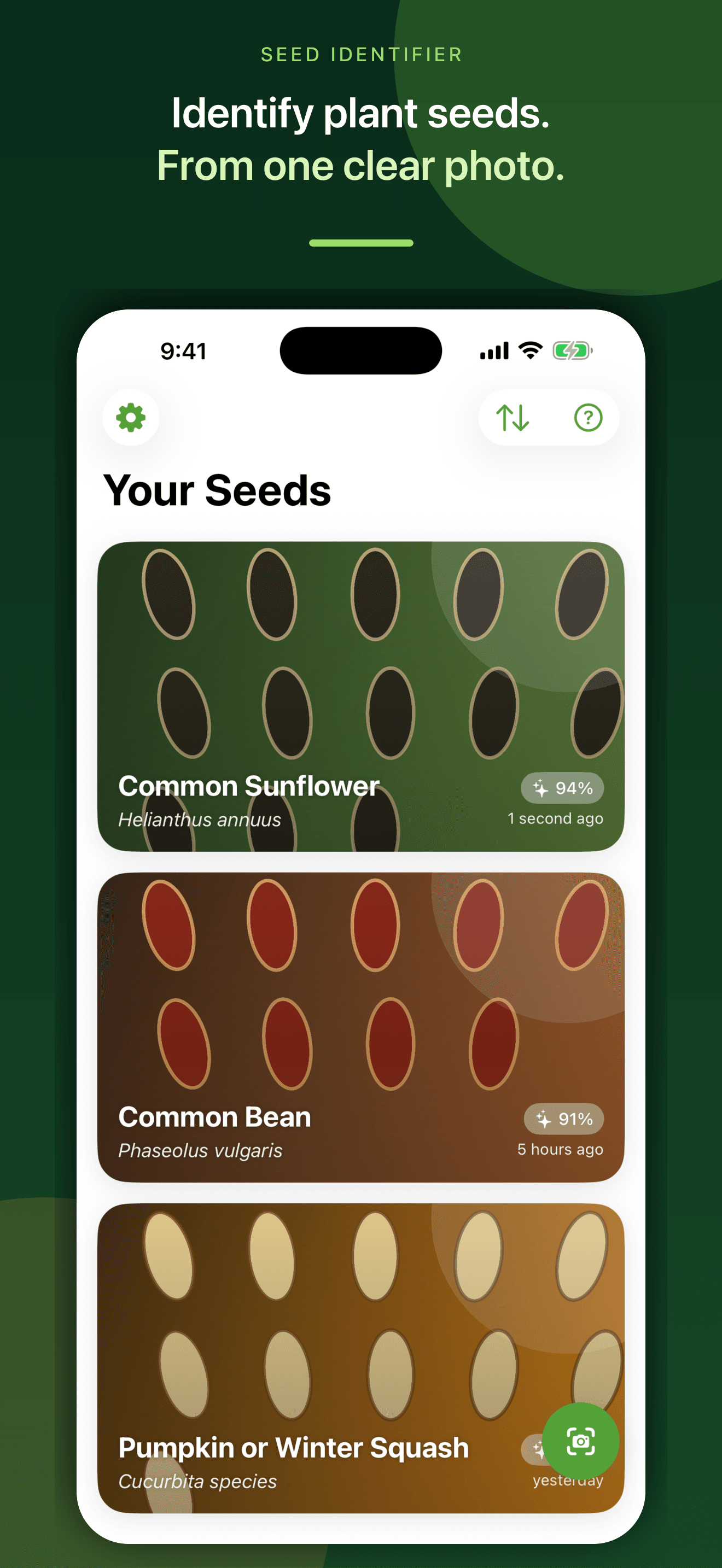
Take a close, evenly lit photo or choose one from your library, then review a likely match with the AI confidence estimate kept visible.
Photo-assisted seed identification and research
Photograph a seed for a likely match, compare its visible traits, explore typical growing context, and keep the result with questions you still want to investigate.
Built for the task
Start with one clear photo
The short answer
A direct definition for readers, search engines, and answer systems.
Seed Identifier: Photo Scan is an iPhone app that analyzes one selected seed photo and suggests a likely common and scientific name, visible characteristics, plant context, typical growing needs, uses, safety notes, and a reference source. It can save results and follow-up questions in a private library that may sync through iCloud.
A photo result is an AI-assisted likely match, not verified botanical identification or safety clearance. Never eat, brew, plant, apply, or medically use an unknown seed based only on an image result; confirm the species and cultivar with a qualified local source.
Inside the app
Every feature supports the same workflow, so the app feels like a system rather than a folder of disconnected AI buttons.
Take a close, evenly lit photo or choose one from your library, then review a likely match with the AI confidence estimate kept visible.
Inspect shape, colour, texture, size, weight context, seed type, and dispersal details against the seed in front of you.
Review sunlight, watering, soil, temperature, planting depth, spacing, season, germination, and mature-plant information.
See clear reminders that photo matching cannot establish edibility, toxicity, medicinal suitability, treatment, or planting safety.
Save selected photos, likely matches, details, and follow-up answers locally and, when available, through your private iCloud account.
Ask a seed-specific follow-up question while keeping the saved result and previous conversation together.
Product tour
Real screens from the current iPhone experience.


How it works
Use even light, a plain background, sharp focus, and a useful scale reference when possible.
Check the proposed common and scientific names, visible traits, confidence estimate, and growing context instead of treating the result as certain.
Keep the record and follow-up answers together, then confirm important identity, safety, and planting decisions with authoritative regional sources or a qualified local expert.
Who it helps
Direct answers
Take or choose one clear photo and submit it in the app. The app returns an AI-assisted likely match with visible characteristics and available growing context for you to compare and verify.
The workflow can analyze many vegetable, flower, herb, tree, grain, wildflower, succulent, and grass seeds. Coverage is not guaranteed, and image quality or visual similarity between species can affect the result.
Yes. Selected photos, likely matches, seed details, and saved follow-up conversations remain in the app and may sync through your private iCloud account when available.
No. Similar seeds can be hard to distinguish, and an AI photo result can be wrong. Confirm the species and cultivar with authoritative regional references or a qualified local source before any safety-critical decision.
Available on the App Store
Free download · optional subscription. Built by Ideas All Day Ltd for iphone · ios 17.6+.
Download on the App Store