01
Read the current terms
Gather the latest statement, interest rate, remaining term, payment frequency, and contract. Check whether the loan uses fixed or changing rates and whether fees or special payoff rules apply.
Practical guide
Start with the loan contract and a current payoff quote, not a calculator result. Then model an extra monthly principal payment under a fixed-rate assumption, compare the estimated time and interest saved, and ask the lender or servicer exactly how an overpayment will be applied. The estimate is useful for comparison; the lender's records govern the real balance and payoff.
Coming to iPhone · Payment estimate, extra-payment comparison, schedule, and local saved scenarios
What to look for
A calculator can model the arithmetic you enter. It cannot see the contract, the lender's current payoff figure, or how the next overpayment will be handled.
Gather the latest statement, interest rate, remaining term, payment frequency, and contract. Check whether the loan uses fixed or changing rates and whether fees or special payoff rules apply.
The statement balance may not be the exact amount needed to close the loan. Ask the lender or servicer for a payoff quote valid through a specific date and any required payment instructions.
Some contracts can charge a prepayment penalty or restrict how additional amounts are handled. Confirm the actual contract and applicable rules before relying on modeled savings.
Ask whether an extra amount will reduce principal or merely advance the next due date. Follow the lender’s instructions and verify the posting on the next statement.
Step by step
Use the current principal balance, annual rate, remaining term, and regular payment details from the lender. Keep taxes, insurance, fees, and other amounts separate unless the calculator explicitly models them.
Calculate the estimated principal-and-interest payment and amortization schedule under a fixed-rate, monthly-payment assumption. Compare it with the lender statement and investigate material differences.
Enter only an amount the budget could sustain after required expenses and the cash reserve you choose to keep. The app estimates how that recurring amount changes payoff time and interest under the same assumptions.
Save a baseline and a few extra-payment examples rather than treating one result as a recommendation. Debt priority, emergency savings, taxes, investing, and other goals remain personal decisions outside the app.
Before sending more than the required payment, confirm where the extra money will go and whether a separate principal-only action is needed. Keep the confirmation and review the posted transaction.
Interest can accrue between dates and actual results can differ because of rounding, timing, fees, late payments, or lender rules. Request a new official payoff quote when you are ready to close the loan.
Inside the app
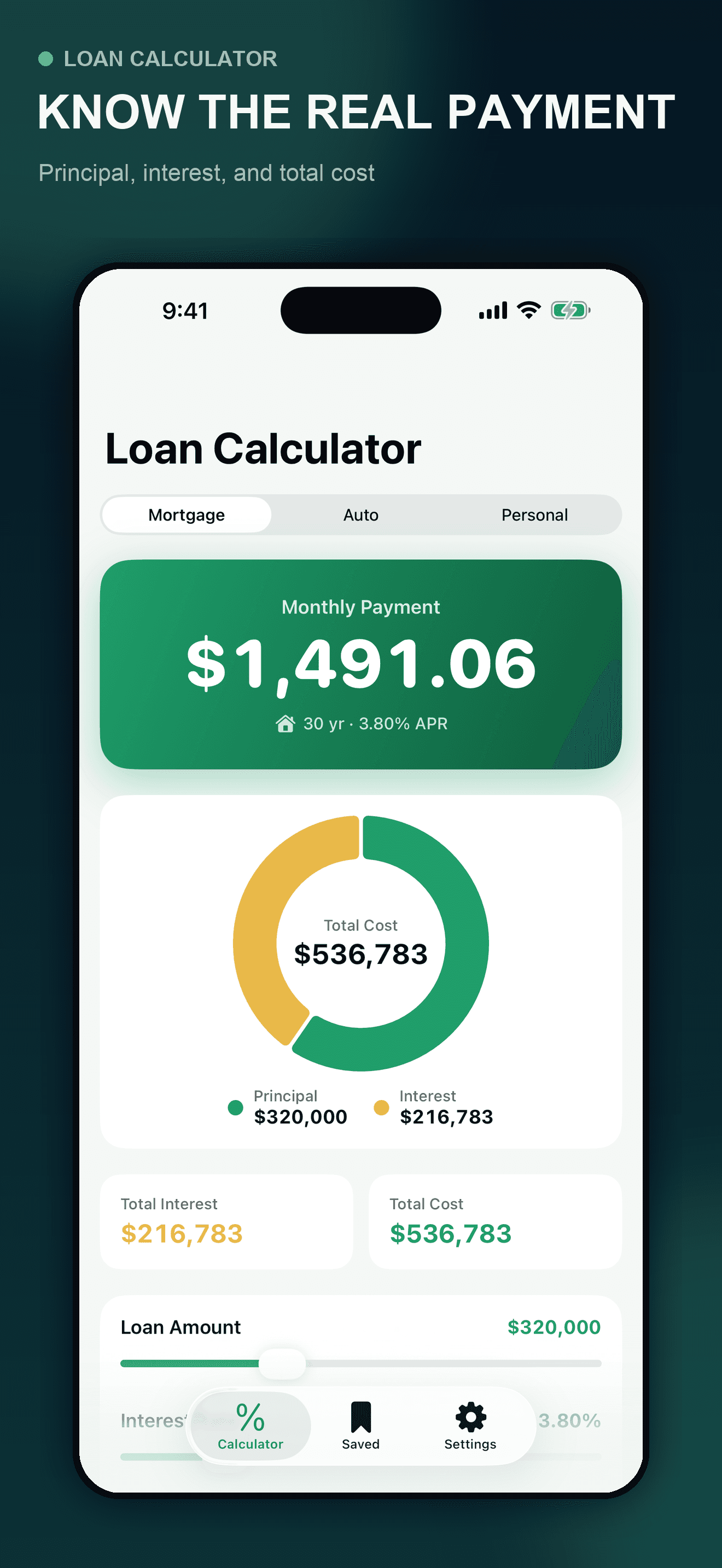
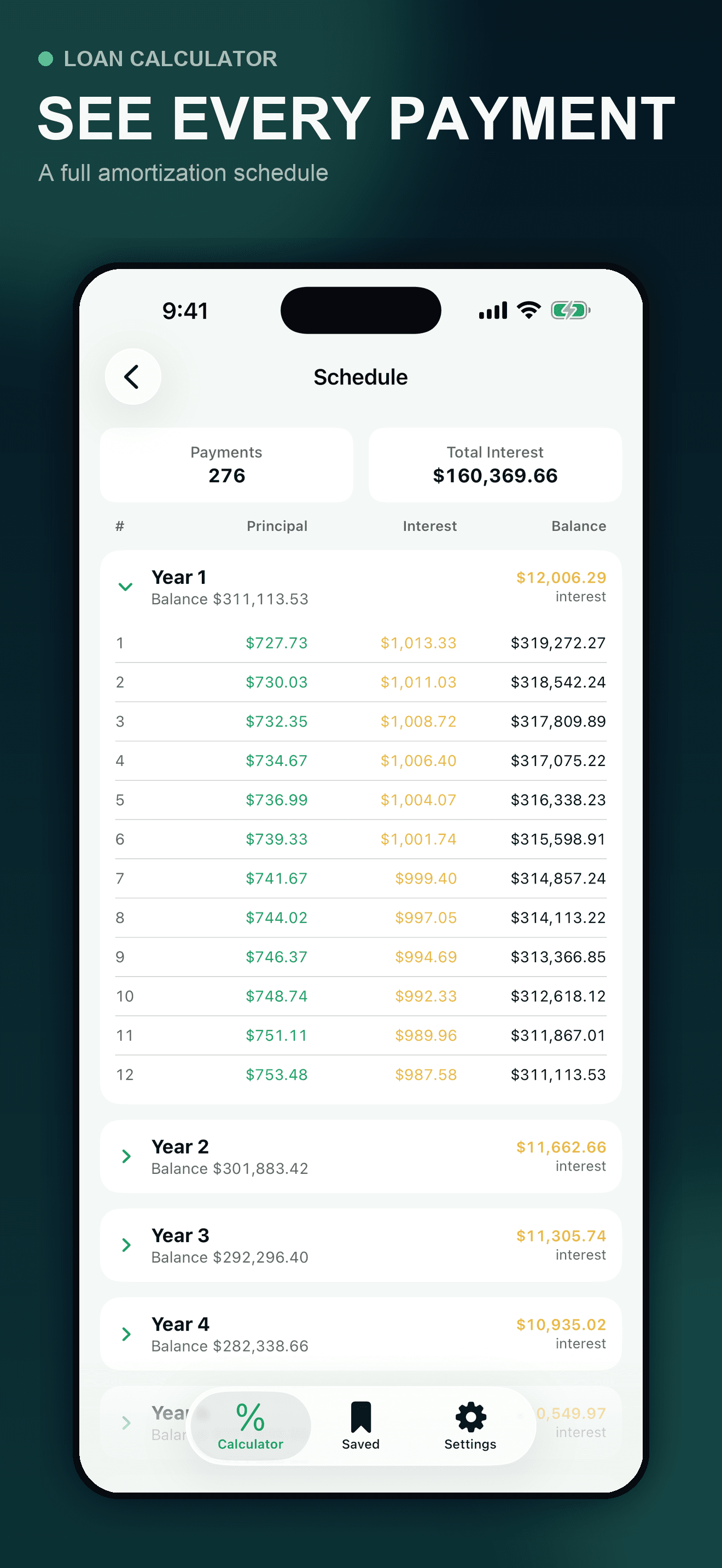
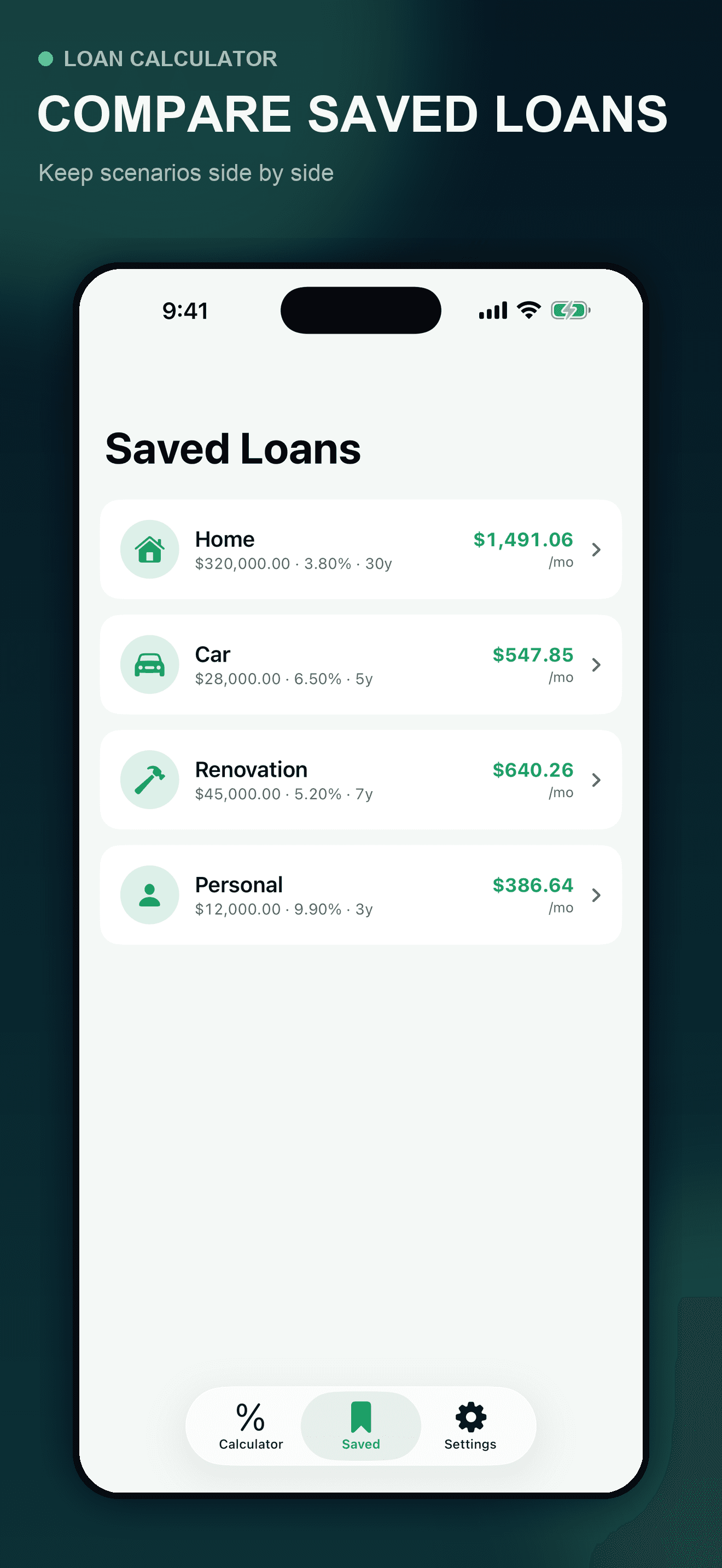
These are actual Loan Calculator screens using fictional showcase data. The app models a fixed-rate monthly amortizing loan from the values entered. It cannot know your contract, current payoff quote, daily interest, fees, taxes, insurance, variable-rate changes, penalty terms, or how a lender will allocate an extra payment.
Try the app
Loan Calculator shows the estimated payment, total interest, total cost, payment-by-payment schedule, and the modeled effect of a recurring extra monthly amount. Keep useful scenarios locally, then confirm every real figure and payment instruction with the lender or servicer.
Primary references
These Consumer Financial Protection Bureau references support the verification steps and explain why the real loan records matter. They do not endorse Loan Calculator and do not replace the contract, lender instructions, applicable law, or individualized professional advice.
Direct answers
Start with the current principal balance, annual interest rate, remaining term, and regular payment details from the lender. Model the baseline, add a recurring extra monthly amount, and compare the estimated payoff time and total interest. Then request an official payoff quote and confirm how extra funds will be applied; the calculator result is not the lender’s closing figure.
Not always in the way you expect. Payment allocation depends on the contract and lender or servicer procedures. Ask whether the extra will be applied to principal or advance the next due date, follow the required instructions, and verify the result on the next statement.
Some loans may include a prepayment penalty or other payoff terms. The rule can depend on the contract, loan type, timing, and applicable law. Review the disclosure and contract and ask the lender or servicer before making the decision.
The app uses the values entered and a fixed-rate monthly amortization model. Actual balances can differ because of daily interest, payment dates, rounding, fees, late payments, variable rates, taxes, insurance, penalties, and lender-specific allocation rules.
That is an individual financial decision the app cannot make. Consider required expenses, emergency savings, other debt, tax consequences, risk, and personal goals. A qualified financial or tax professional can help evaluate your circumstances.
The submitted initial free release keeps saved comparison scenarios locally in the app’s private container on the iPhone and does not require an account.