01
Body and proportions
Start with sedan, hatchback, wagon, coupe, SUV, pickup, or van, then compare wheelbase, overhangs, roofline, stance, and door count.
Practical guide
Start with the exterior design, not a number plate or a guess about the owner. Compare the body shape, proportions, grille, lights, glass, badges, wheels, and rear design to narrow a likely make, model, and generation from a clear photo.
Free download on iPhone · Returns a likely visual match
What to look for
One badge or headlight can be swapped, covered, or shared across models. The strongest match uses several exterior clues that agree with each other.
Start with sedan, hatchback, wagon, coupe, SUV, pickup, or van, then compare wheelbase, overhangs, roofline, stance, and door count.
Headlight signature, daytime-running lights, grille outline, lower intakes, taillights, and rear trim often narrow a design generation.
Record visible logos, scripts, trim marks, engine badges, and regional names, but remember that emblems can be removed, replaced, or added.
Compare the window line, pillars, mirrors, wheel arches, wheel design, bumper, exhaust layout, spoiler, and license-plate recess.
Step by step
Use a clear front three-quarter view when possible. A side profile and rear three-quarter photo can resolve lookalikes, trims, and generations.
The car’s shape is the useful input. Avoid sharing faces, home addresses, documents, or other private context, and do not use a visual guess to identify an owner.
Check the proposed make, model, and generation against the body, lights, grille, glass, wheels, rear design, and any reliable badge.
A photo may not distinguish model year, engine, drivetrain, regional specification, options, or trim. For a vehicle you own or are authorized to inspect, verify the VIN and manufacturer documentation.
Use official recall tools for the exact vehicle and get an independent inspection before a purchase. A photo match is not a history report, mechanical inspection, valuation, or safety decision.
Inside the app
These are actual Car Identifier screens. The app organizes a likely visual match and reference details; it does not perform registration, plate, VIN, ownership, or vehicle-history lookup.
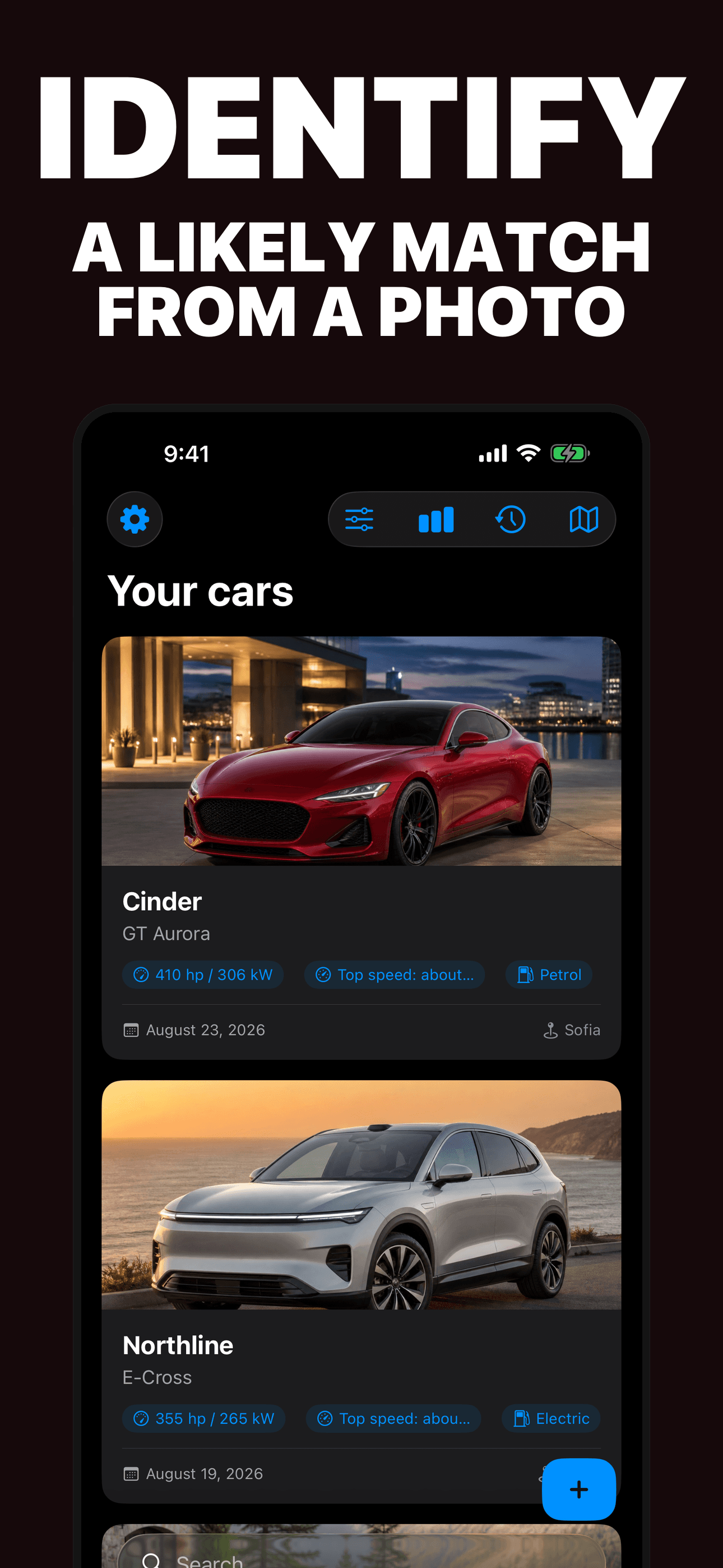
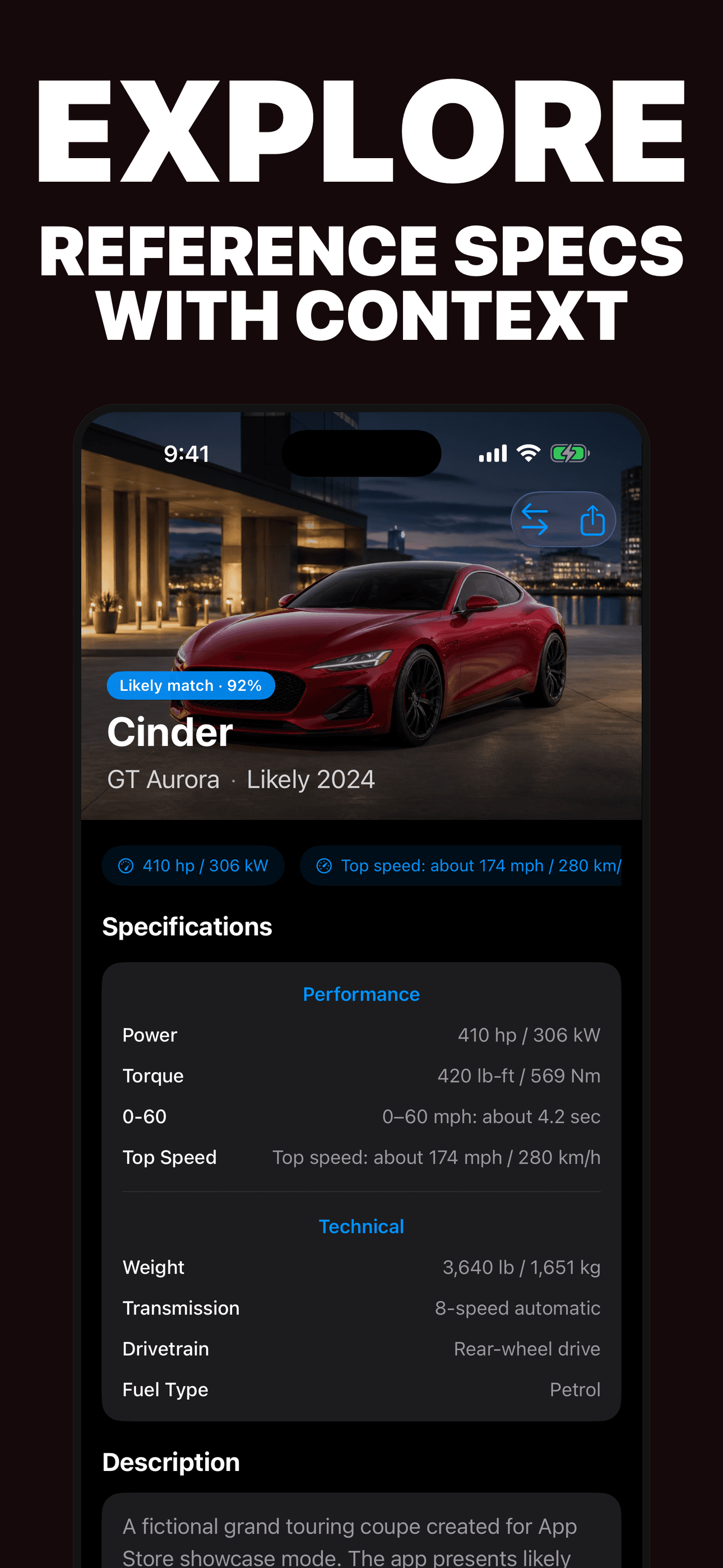
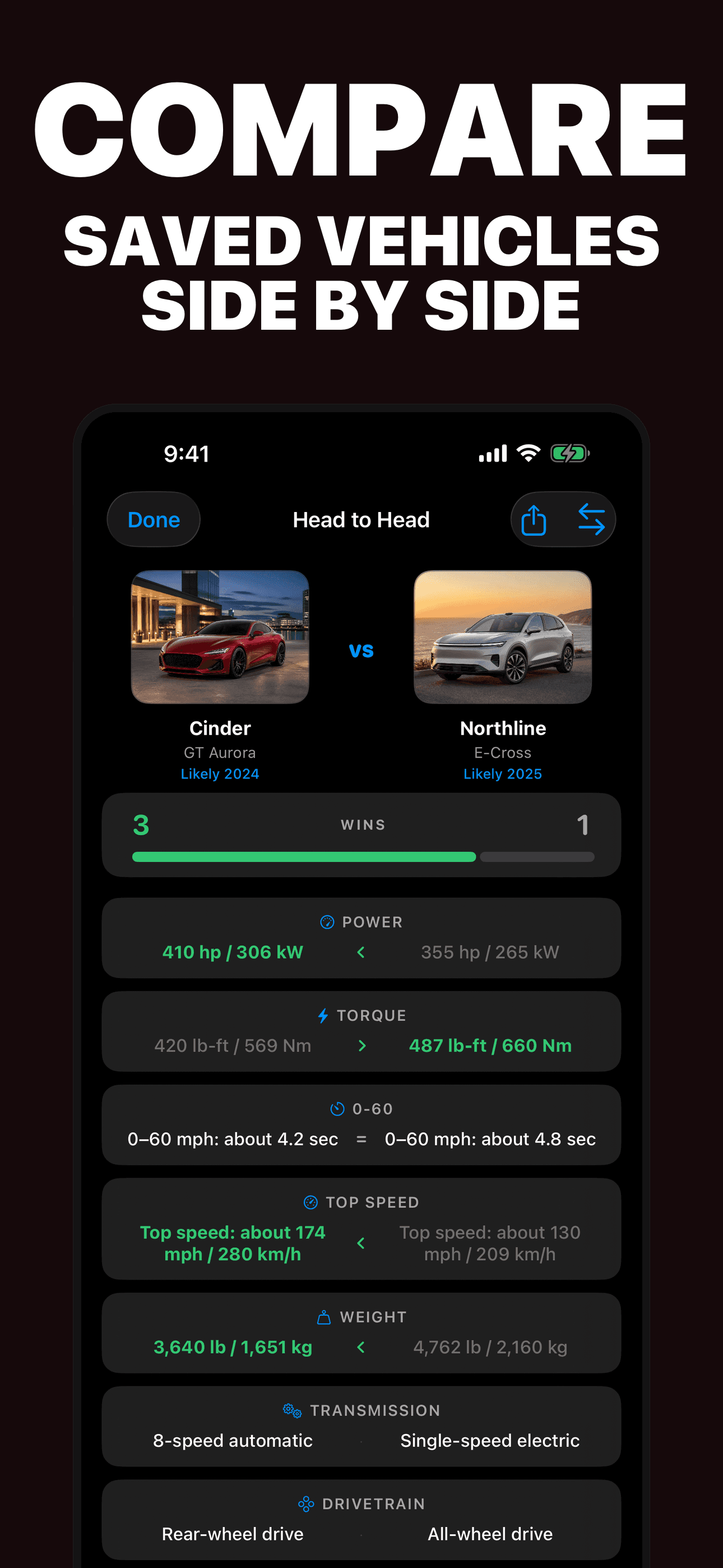
Try the app
Car Identifier analyzes an exterior vehicle photo and suggests a likely make, model, and generation. It can organize available reference specifications, saved photos, comparisons, collection summaries, and an optional private spotting location.
Primary references
These references support the VIN, recall, specification, purchase, and inspection boundaries in this guide. They do not endorse the app and are primarily U.S.-specific.
Direct answers
Use a clear exterior photo and compare several clues together: body type, proportions, grille, headlights, taillights, glass, badges, wheels, mirrors, bumper, and rear design. Car Identifier can suggest a likely make, model, and generation for you to check.
A front three-quarter view usually shows the grille, lights, body profile, wheel arches, glass, and stance together. Add a side profile or rear three-quarter view when closely related models or generations look similar.
No. It identifies visible exterior design and does not perform plate, registration, VIN, ownership, or vehicle-history lookup. Do not submit private documents, and do not treat a visual suggestion as information about an owner.
Not reliably. Facelifts, shared bodywork, option packages, modifications, and regional specifications can look alike. For a vehicle you own or are authorized to inspect, use the VIN, manufacturer labels, documentation, and a qualified inspection.
No. A visual match is not a recall check, title or history report, valuation, mechanical inspection, or safety assessment. Check the exact VIN with official sources and arrange an independent inspection before a purchase.