01
Use current, matching units
Use one measured weight and height from the same point in time. Convert the units before calculating; do not mix kilograms with inches or pounds with meters.
Practical guide
For an adult age 20 or older, divide weight in kilograms by height in meters squared. With pounds and inches, divide pounds by inches squared and multiply by 703. The arithmetic is simple; the interpretation is not. BMI is a screening measure based only on height and weight, not a diagnosis, direct body-fat measurement, treatment plan, or personal target.
Coming to iPhone · Metric and imperial adult BMI, optional local weigh-ins, and a private trend
What to look for
A BMI result can place an adult measurement in a standard screening category. It cannot explain body composition, fat distribution, growth, pregnancy, symptoms, laboratory findings, or an individual health plan.
Use one measured weight and height from the same point in time. Convert the units before calculating; do not mix kilograms with inches or pounds with meters.
Metric: kg ÷ m². U.S. customary: 703 × lb ÷ in². If height is in centimeters, convert to meters or use kg ÷ cm² × 10,000.
For adults 20 and older, CDC lists below 18.5, 18.5–24.9, 25.0–29.9, and 30.0 or greater as the standard category ranges. A label is not a diagnosis.
BMI does not directly measure body fat or distinguish muscle from fat. Age, muscle and bone mass, fat distribution, ancestry, pregnancy, history, examination, and other findings can change the clinical meaning.
Step by step
Use a reliable scale and a consistent height measurement. Remove shoes and bulky clothing when practical, record the units, and avoid combining measurements taken at different times.
Divide kilograms by meters squared: BMI = kg ÷ m². Example: 72 kg ÷ (1.75 m × 1.75 m) = 23.5 after rounding to one decimal place.
Multiply pounds by 703, then divide by inches squared: BMI = 703 × lb ÷ in². Example: 159 lb and 69 in gives approximately 23.5.
For adults 20 and older, CDC categories are below 18.5, 18.5–24.9, 25.0–29.9, and 30.0 or greater. Treat the category as one piece of context rather than a verdict about health.
If you choose to log measurements, compare entries collected consistently. A trend can show how your own recorded values changed, but it still does not establish a cause, diagnosis, safe pace, or recommended target.
Use age- and sex-specific BMI percentiles for children and teens ages 2–19, and seek qualified advice for pregnancy or when muscle mass, aging, fat distribution, symptoms, medical history, examination, or laboratory findings matter.
Inside the app
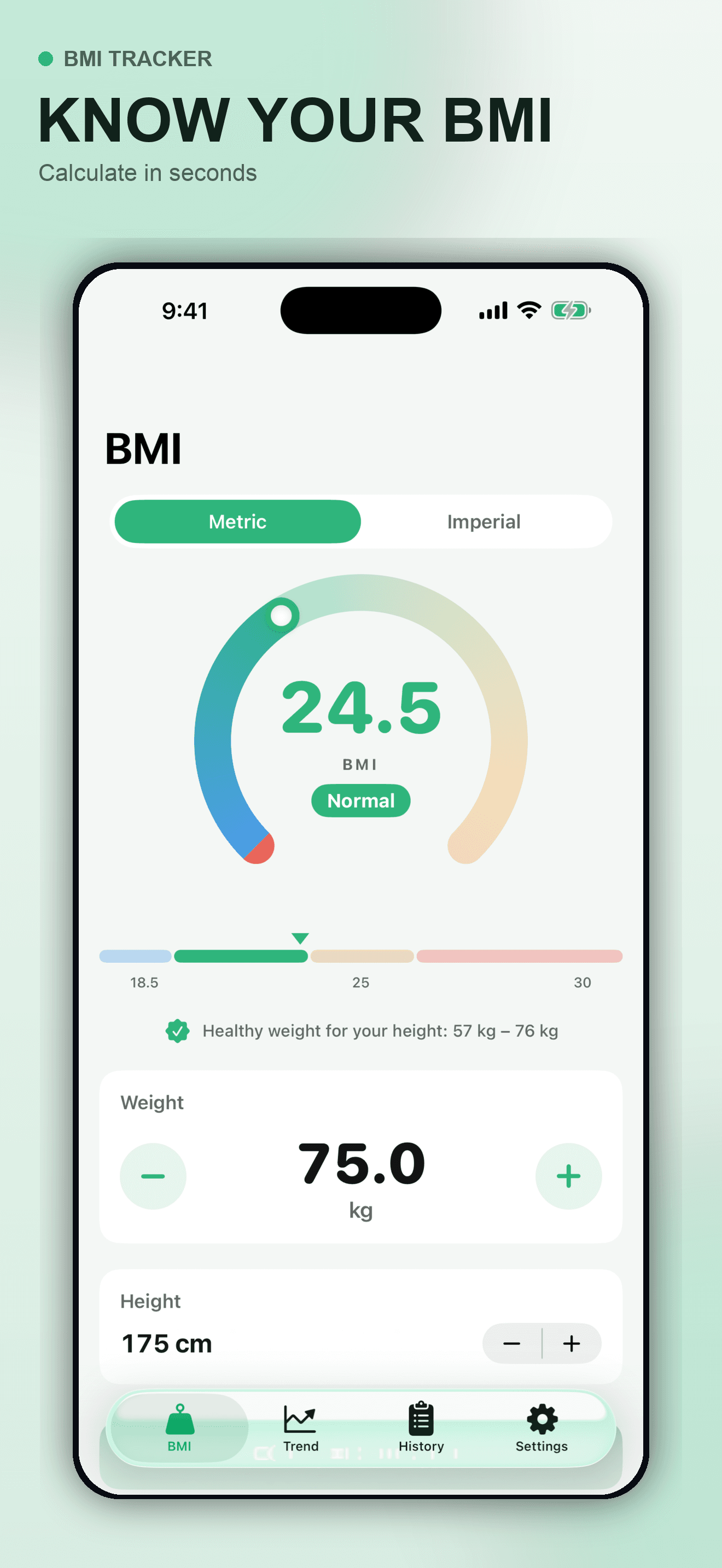
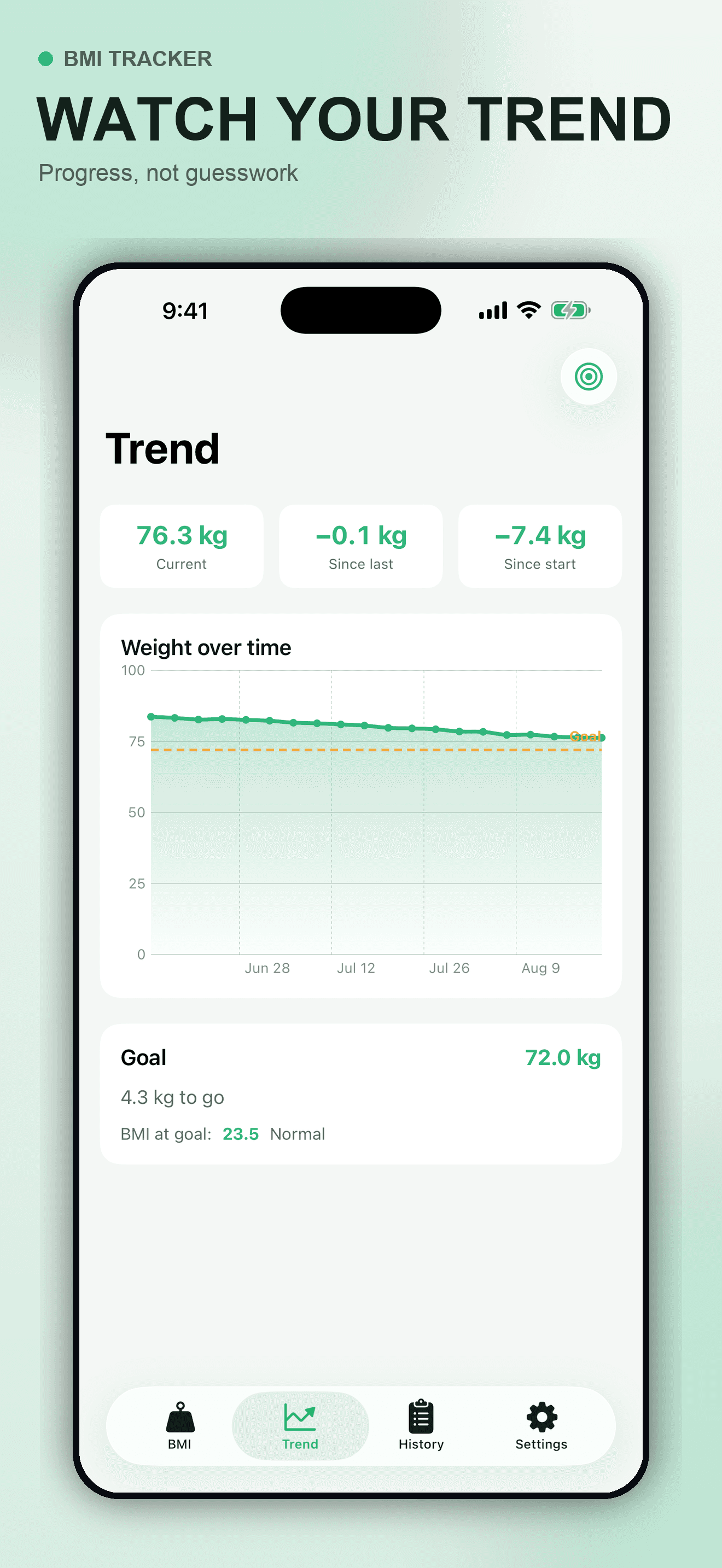
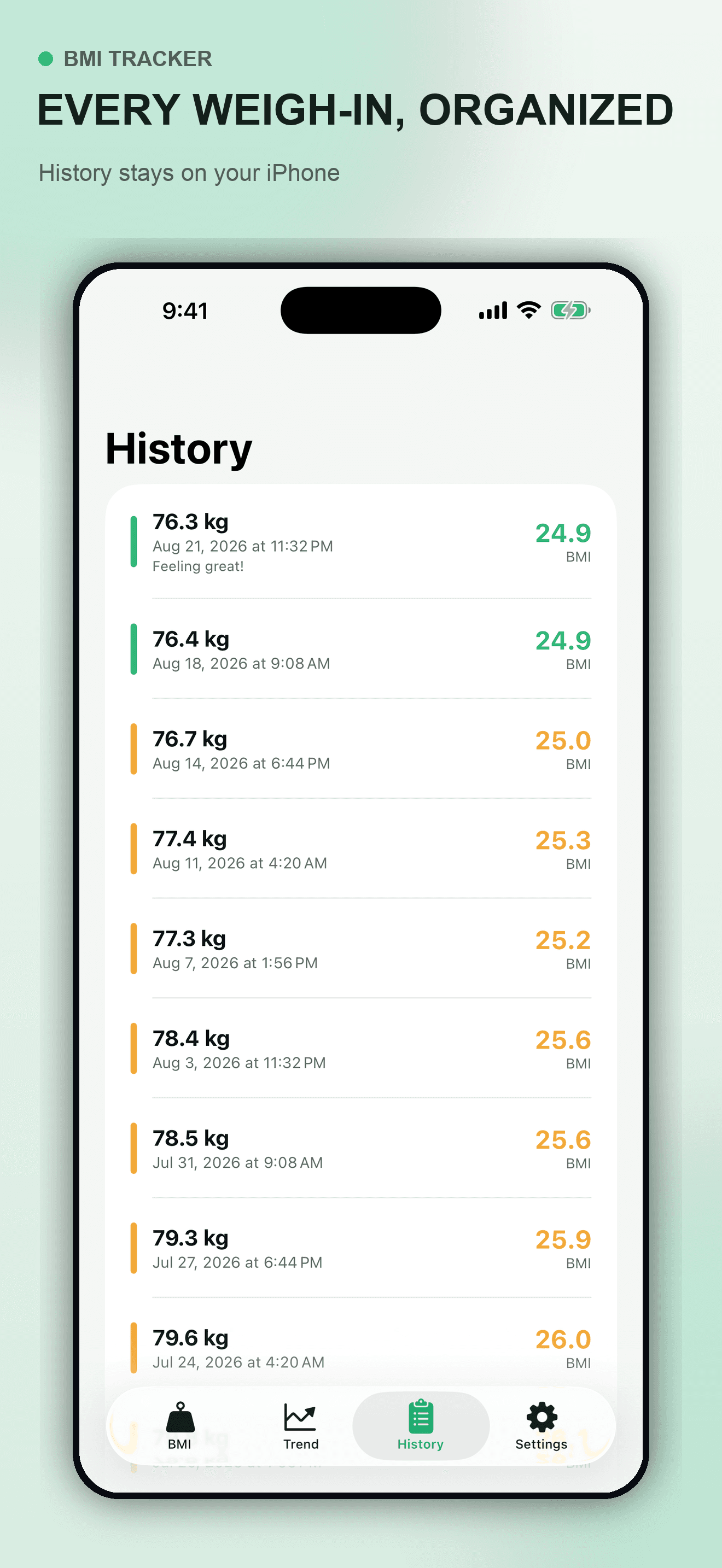
These are actual BMI Tracker screens using fictional showcase data. The initial free release calculates standard adult BMI, stores optional weigh-ins locally on the iPhone, and does not require an account or activate third-party analytics. It does not diagnose, prescribe, or recommend a target.
Try the app
BMI Tracker combines metric and imperial calculation with optional local weigh-ins, a trend chart, and a personal reference goal. Use it as a private record for adult screening context, then bring questions about your own health, pregnancy, growth, symptoms, or plan to a qualified healthcare professional.
Primary references
These current CDC and NIH references support the calculations and interpretation limits on this page. They do not endorse BMI Tracker, and this guide does not replace individual medical care.
Direct answers
For an adult, divide weight in kilograms by height in meters squared: BMI = kg ÷ m². For 72 kg and 1.75 m, the calculation is 72 ÷ (1.75 × 1.75) = 23.5 after rounding to one decimal place.
Multiply weight in pounds by 703, then divide by height in inches squared: BMI = 703 × lb ÷ in². For 159 lb and 69 in, the result is approximately 23.5.
For adults age 20 or older, CDC lists below 18.5 as underweight, 18.5–24.9 as healthy weight, 25.0–29.9 as overweight, and 30.0 or greater as obesity. These are screening categories, not diagnoses or individualized treatment recommendations.
No. CDC interprets BMI for children and teens ages 2–19 using sex-specific BMI-for-age percentiles because they are growing. The fixed adult category ranges are for people age 20 or older.
No. BMI uses only height and weight and does not directly measure body fat, muscle, bone, fat distribution, symptoms, or metabolic health. A muscular person can have a high BMI without much body fat, while aging or body-fat distribution can make the same BMI mean something different.
A general adult BMI result from current pregnancy weight is not an individualized pregnancy assessment. NIDDK bases pregnancy weight-gain guidance on BMI before pregnancy. Discuss weight, nutrition, symptoms, and appropriate monitoring with the prenatal healthcare team.
No. A trend only shows how recorded height, weight, and calculated BMI changed. It cannot determine the cause, a safe pace of change, a diagnosis, or the right target or treatment for an individual.
The submitted initial free release stores optional entries locally in the app’s private container on the iPhone. It does not require an account, and third-party analytics are not active in that release.